
WordPress security and the cost of ignoring updates
Your website looks fine. But who’s keeping it updated, backed up and secure?
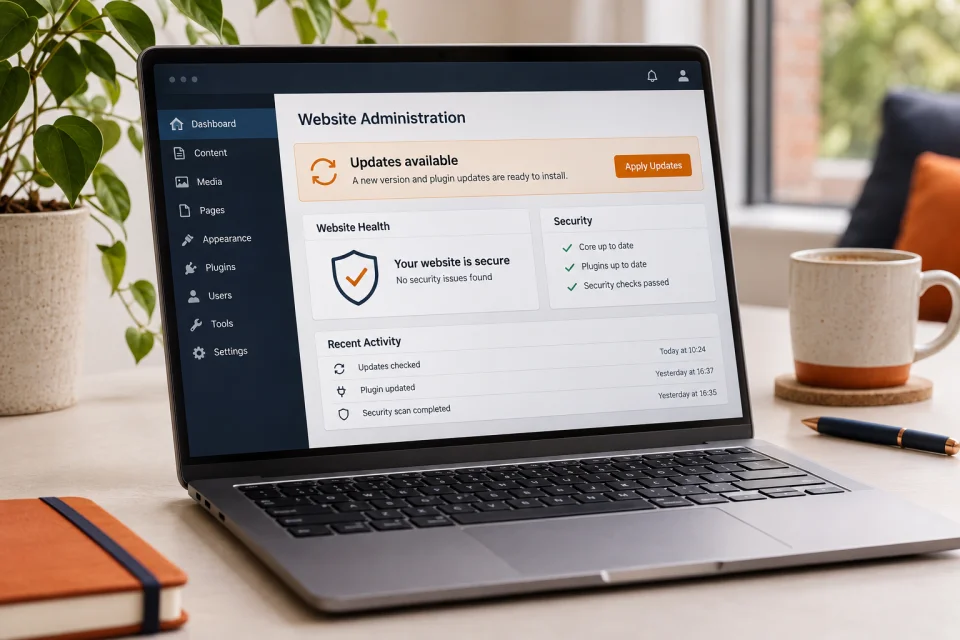
Your website loads. Customers can contact you. Everything looks fine.
Behind the scenes, though, WordPress may have a queue of updates waiting for attention. It’s easy to put them off when you’re busy running a business. Unfortunately, attackers don’t wait until you’ve cleared your inbox.
Keeping your website updated helps protect your business, your customers and your reputation.
Why do WordPress updates matter?
WordPress is the software that runs your website. Plugins add features such as contact forms, bookings and online payments. Your theme controls much of how it looks.
All of these can develop security weaknesses. Updates often contain fixes that close those gaps.
In October 2026, WordPress released a security update fixing several problems. Attackers quickly tried to exploit one of them. The Hacker News reported nearly 63,000 blocked attempts in just 24 hours, using Wordfence’s figures. Individual websites can receive many attempts, but the speed gives business owners a reason to pay attention.
Your website might be small, but automated tools can search for vulnerable software across thousands of sites. They don’t need to know who you are.
AI is speeding things up
AI can help people find security weaknesses and develop ways to exploit them faster. The UK’s National Cyber Security Centre expects it to increase the speed and scale of cyber attacks.
Website developers are using AI to find and fix problems too. That means keeping up with security updates matters even more.
A growing list of security weaknesses
New vulnerabilities reported across WordPress, its plugins and themes.
- 2023
- 5,948
- 2024
- 7,966
- 2025
- 11,334
These are discovered weaknesses, rather than counts of hacked websites. More research and reporting also affect the totals.
The update queue extends well beyond WordPress. In November 2026, Brian Krebs reported that Microsoft had released more than 5,100 security patches that year. Maintaining software is an ongoing job.
What could an attack cost your business?
A hacked website can stop customers placing orders, send visitors to scam pages or expose personal information.
For an online shop, that could mean lost sales and customers asking whether their details are safe. Even a simple enquiry form may collect names, email addresses and telephone numbers.
Ransomware can make things worse by locking you out of your files or systems while criminals demand payment. Lost sales, recovery work and disruption can make an attack very costly.
The damage can last beyond the repair bill. A breach can seriously harm your reputation, and customers may lose trust in your business if they feel their information is unsafe. Rebuilding that confidence can take much longer than getting the website back online.
NCSC’s guidance on business impact
The 2025/2026 UK Cyber Security Breaches Survey found that 43% of businesses had identified a breach or attack in the previous 12 months. Its findings cover cyber incidents across businesses, including phishing.
Five ways to reduce the risk
1. Keep WordPress and its plugins updated
Check for updates regularly and give security fixes prompt attention. Automatic updates can help, but someone should check they’ve worked.
2. Keep backups you can actually restore
A backup is a saved copy of your website. Keep copies separately from the live site and test that they can be restored. A backup nobody has checked is an optimistic file.
3. Check the important features after updating
Make sure contact forms, bookings and payments still work. For an online shop, ask your developer to test updates on a private copy of the website first.
4. Protect your logins and remove unused plugins
Use strong, unique passwords and turn on two-step verification where available. Ask whoever maintains the site to review old accounts and remove plugins you no longer need.
5. Put someone in charge
Agree who checks updates, monitors security alerts and handles problems. Ask your hosting company or developer what they cover, how often backups run and who you should contact in an emergency.
Who’s looking after your website?
If you can’t remember the last time someone checked it, now is a good time to ask.
At Foxbridge, we build and maintain websites, including WordPress sites. We can help look after updates, backups and security checks so your website keeps getting the attention it needs.
Need help making sure yours stays secure? We can help with that.